
Playwright Integration
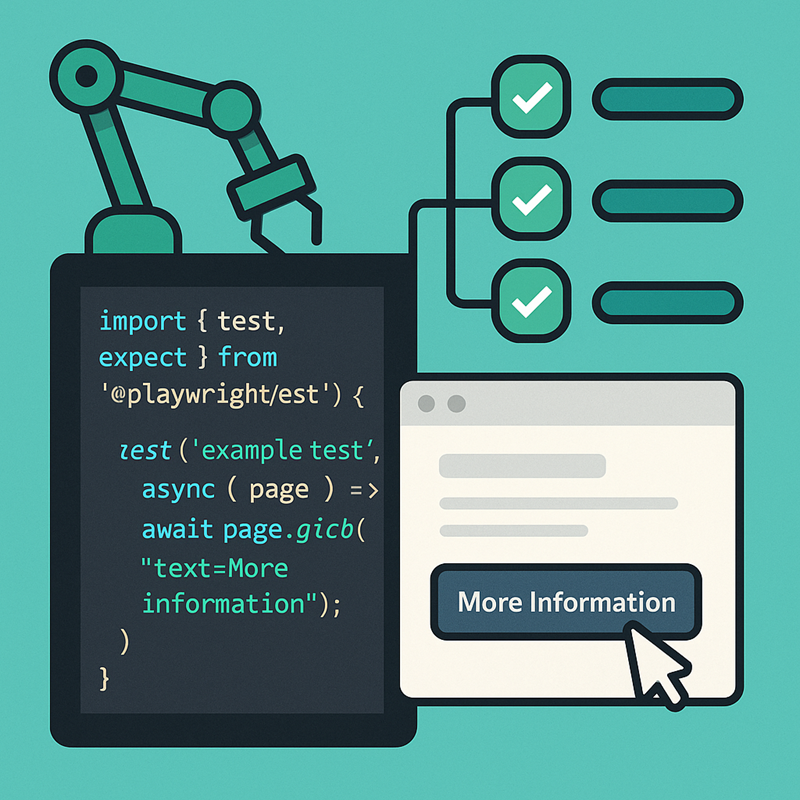
SmartClient Adds Native Playwright Integration
SmartClient now ships with full Playwright support, joining the existing Cypress and Selenium integrations for end-to-end automated testing. This new addition makes it easier than ever to create stable, long-lasting tests that understand SmartClient’s component model and UI behavior.
At the center of this integration is a new commands.js module that provides a suite of SmartClient-aware Playwright commands. These include:
getSC()clickSC()waitForSCDone()dragAndDropSC()
These helpers “understand” AutoTestLocators and interact with SmartClient components intelligently, using the same stable locator system that has powered SmartClient’s Selenium and Cypress integrations for years.
How We Approached Playwright Integration
Adding support for any automated testing tool to SmartClient involves two major challenges:
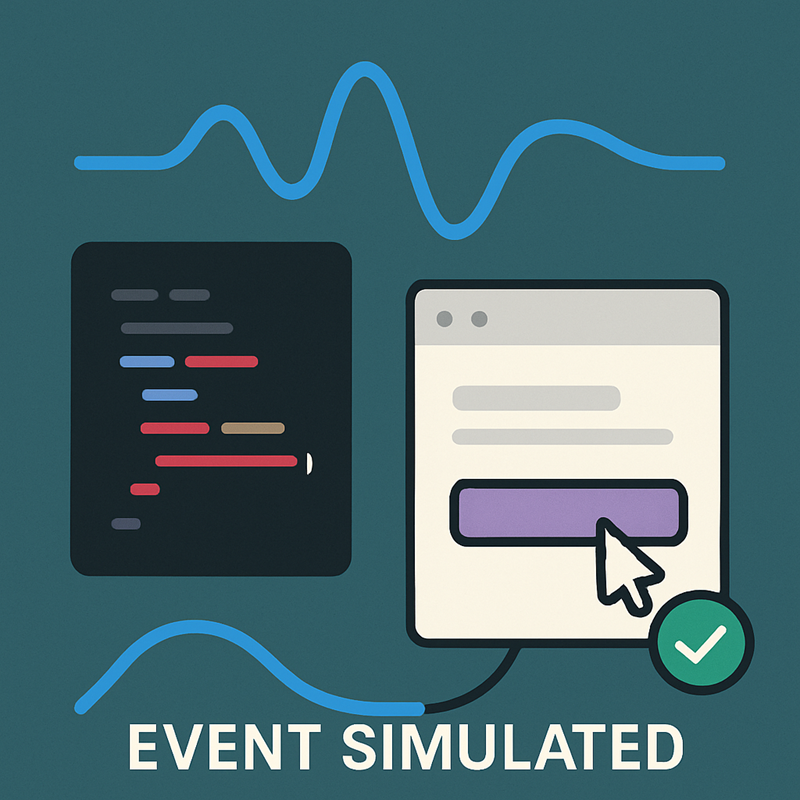
- Event simulation: Every testing tool “fakes” events differently. Something as simple as a click should involve
mouseDown,mouseUp, andclickwith real coordinates. However, many frameworks tend to invent shortcuts instead of behaving like a real browser. - Stable locators: SmartClient provides stable locators so that tests continue to work even if new features or browser bugs force DOM adjustments. This means tests written 10 years ago still work today, and will continue to work for years to come, with no rewrites required.
As with Cypress and Selenium, we overcame both issues with Playwright to provide stable, long-term support for your automated test suite.
Auto-Waits for Stability and Speed
All SmartClient Playwright helpers auto-wait for the SmartClient framework to reach an idle state before proceeding. This produces two enormous advantages:
- No arbitrary timeouts.
You don’t need to guess or sprinkle delays throughout your test code. Your Playwright tests become more concise, more reliable, and more resilient to CI (Continuous Integration) slowness. - Fast failures.
If something you changed breaks a large portion of your test suite, you don’t wait hours for cascading timeouts. You find out immediately what broke because the suite continues running at full speed, even during widespread failures.
When something breaks, that is the moment you need your test system to run fastest and produce the clearest possible result. SmartClient’s Playwright integration delivers exactly that.
Helpers for Tricky UI Interactions
Simulating complex interactions such as drag-and-drop or combo-box searches is extremely difficult when working with raw Playwright events (like mouseDown and mouseMove). Dozens of events may be needed to accurately simulate a single user action.
Using clickSC and typeSC with SmartClient Playwright support makes interacting with common UI components very direct. For example, selecting a value in a ComboBox can be done simply by clicking the field and typing the text you want:
// Click the ComboBox
await page.clickSC(scLocatorComboBox);
The scLocatorComboBox is then set to the required value, for example:
scLocatorComboBox: '//DynamicForm[ID="boundForm"]/item[Class=TextItem||index=0]/element';
// Type the desired value
await page.typeSC(scLocator, "Canada");
This demonstrates how clickSC accurately targets SmartClient components and typeSC handles the text input. No manual waits or DOM selectors required.
SmartClient also provides high-level helpers, such as page.dragAndDropSC(), that make these tasks trivial. Your tests become easier to write, maintain, and understand. An example of the drag and drop feature is detailed below:
// Drag record from the source list
await page.dragAndDropSC
(scLocatorListGridRec1, scLocatorListGridRec2);
The example below shows setting up locators using existing list grids.
 scLocatorListGridRec1:
'//ListGrid[ID="countryList1"]/body/row[2]/col
[fieldName=countryName]';
scLocatorListGridRec2:
'//ListGrid[ID="countryList2"]/body/row[4]/col
[fieldName=countryName]';
You can combine this with scGetLocatorText to confirm the moved item. This is especially useful for assertions or logging, since SmartClient’s locator system ensures you’re reading the correct widget value:
const moved = await page.scGetLocatorText(scLocatorListGridRec2);
This code is all you need to get started! You also have full access to diagnostics and logging related to your UI components.

Diagnostics & Logging
As with the Cypress integration, SmartClient’s Playwright helpers include built-in diagnostics. The enableSC_RPCTimeout() function logs slow RPCs and can automatically fail a test if the server responds more slowly than expected. This makes performance regressions easy to catch early in development or CI.
Why Playwright (vs Cypress or Selenium)
If you’re already using Selenium or Cypress, here’s why Playwright might be worth adding to your toolset:
- Better browser coverage: Playwright runs on Chromium, Firefox, and WebKit, unlike Cypress, which is Chromium-only.
- Parallel and CI-friendly: Designed for concurrent, headless execution and generally requires less compute time than Selenium (similar to Cypress).
- Rich failure artifacts: Screenshots, videos, and network traces are automatically captured for failed tests. These features exist elsewhere but are easier to work with in Playwright.
If you’re maintaining a Selenium or Cypress suite, there’s no need to worry: SmartClient will continue supporting all major testing tools for as long as they remain relevant.
If you’re still running a Selenium test suite in 2026, it might be time to consider an upgrade. We offer both AI tools and AI-enhanced professional services to help with modernization whenever you’re ready. You can read more about how Playwright works under the hood here.
Playwright support has been backported to SmartClient 14.1 because it required no framework changes. Existing 14.1 licensees receive this feature at no additional cost. Teams running older versions can contact us to enable Playwright support as needed.